Guide
Convert YouTube to MP3 Online
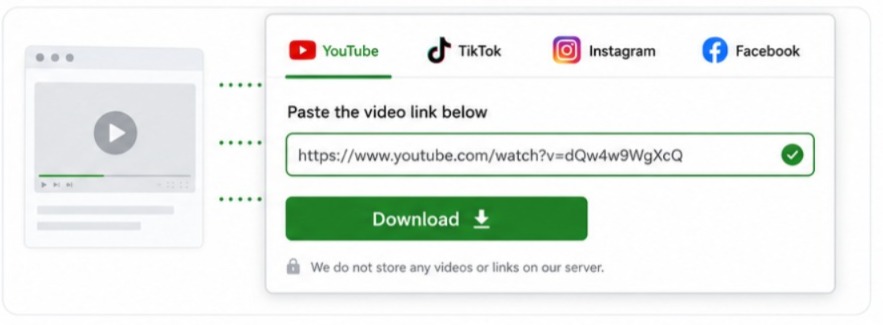
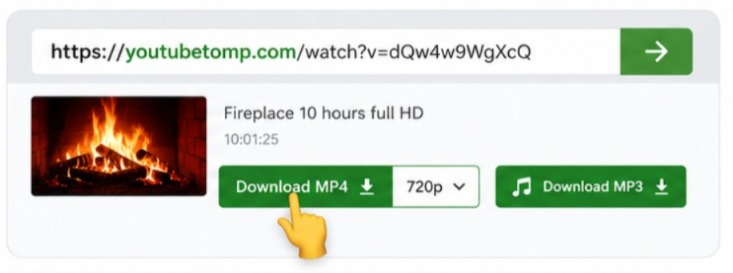
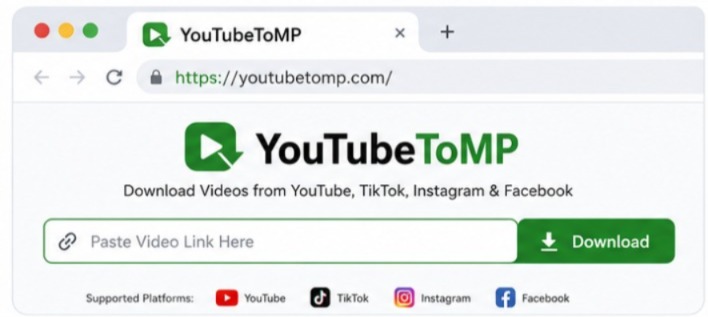
Convert publicly available YouTube videos into MP3 format directly in your Phone or Laptop with YouTubeToMP! Simply paste in a link, choose your format preference, and download your file within minutes - save audio for offline listening without installing software or creating an account.
Whether you're listening to music, podcasts, educational lectures, interviews, or language lessons, our converter is designed to provide a straightforward experience across desktop and mobile devices. The clean interface helps you convert videos quickly while keeping the process easy for everyone.
✔ High-Quality MP3 Audio ✔ No Software Installation ✔ Works on Desktop & Mobile ✔ Free Online Converter Important: Please download only publicly available content. Our tool must not be used to download private, restricted, or unlisted content without permission. Always respect copyright laws and the terms of the platform where the content is hosted.
Convert YouTube to MP3